


Quick, Easy and Fun Music Notation Editor







Free Forever - No Ads or Splash Screens
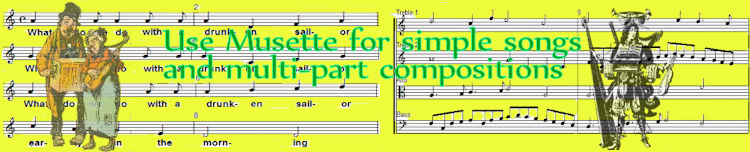
Musette for Songs and Scores
User Comments
If you can tap your foot and count, Musette will help you get the music right. Read about more features.
- E-mail help for registered users
- Just click to place a symbol anywhere
- Click and drag to move or adjust symbols
- Add notes, lyrics, or bar lines in any order
- Keyboard shortcuts for faster editing
- Resize note groups
- Transpose and change clefs
- You choose chord and beam grouping
- Just click and drag to add beams or ties
- Just click and drag to group notes into chords
- Change stem direction
- Change playback instrument within a part
- Change playback tempo within the score
- Automatically reformat note or staff spacing
- Change the number of staves in a brace
- Print separate parts and full scores
- User-translatable menus and hints
- Demo mode for Consort Edition features
- Load, play and print Consort Edition files
Click a comment for the full text
The best free notation software out there is http://musettemusic.com/
... I recommend it to all my students and schools.
Looks pretty good too. Its free and is lot simpler than the other stuff out there.
It is great and came along at the most opportune time.
Thanks for a terrific program.
... it far surpasses my expectations
Musette is really self-explanatory...